Wifi usb adapter
Tp-Link Archer TX30U Plus
Best Wifi usb adapter – Performance – 20 $ to 50 $
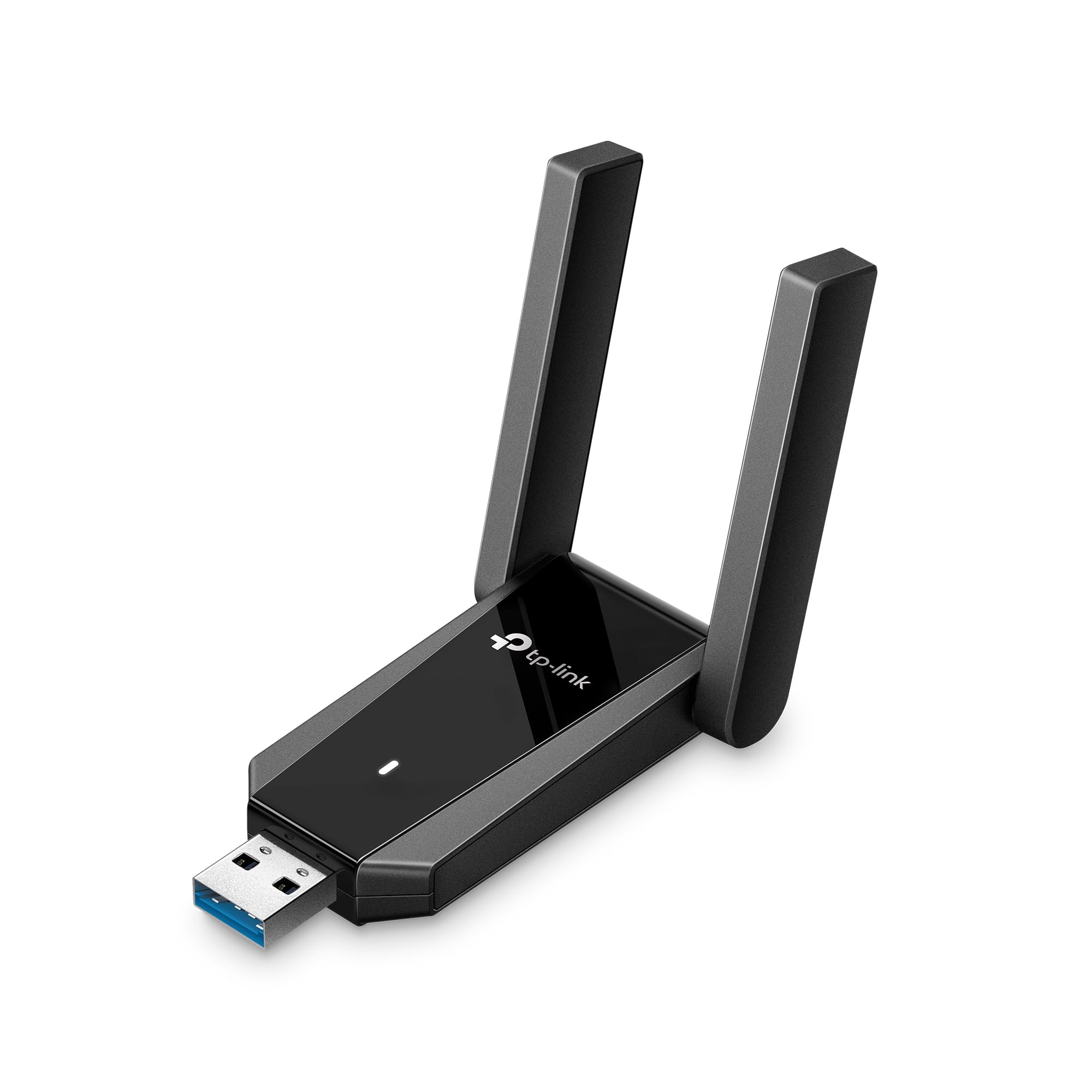
The TP-Link Archer TX30U Plus is our Performance pick for Windows desktop and laptop users who want a fast USB Wi-Fi upgrade. Buyers report strong, consistent speeds and a simple setup, including better connectivity on older systems. It suits a Wi-Fi 6 router and users willing to check their configuration.
TP-Link Archer TX30U Plus: fast USB Wi-Fi for Windows
We recommend the TP-Link Archer TX30U Plus when speed is the priority. Buyers describe fast, consistent Wi-Fi, and one verified purchaser reports download speeds reaching 400 MB from six metres away. Another says the adapter stopped repeated connection losses, while others found installation straightforward. A buyer also reports very high throughput after configuring the device to use Wi-Fi 6 only. That makes this a strong fit for a Windows PC or laptop that needs a faster wireless connection without adding an internal card.
Who it’s for For Windows desktop and laptop users who want a high-speed USB Wi-Fi upgrade, especially with a Wi-Fi 6 router. It is also a practical option for an older system that needs a simple wireless improvement.
What sets it apart
- Fast, consistent Wi-Fi is the main strength reported by buyers.
- Several buyers describe installation as easy and uncomplicated.
- A buyer reports stable connectivity after previously losing Wi-Fi repeatedly.
What to know
- Compatibility feedback is mixed: some buyers report that it works immediately, while others describe connection or compatibility problems, including with Mac. Check your system before buying.
- Speed does not necessarily improve latency: one buyer reached high download speeds but saw little change in internet latency.
Why this is the Performance choice
This adapter earns its place in the Performance range through the buyer feedback on speed. Reports include fast and consistent Wi-Fi, with one buyer citing downloads up to 400 MB at a six-metre distance. The evidence also points to a low-friction setup: several buyers say it was easy to install and use. Another buyer says it solved repeated Wi-Fi disconnections. For a compatible Windows computer, those are the gains that matter when moving up from a basic USB adapter.
What buyers liked — and what to check
The positive reports are clear on speed and setup. Buyers describe strong throughput, reliable Wi-Fi and a simple plug-in experience. But compatibility is the less settled part of the picture. Some buyers say the adapter works immediately; others report connection failures at startup, later loss of function or incompatibility in their setup. Treat that as a buyer-reported limitation, not a universal result. Also note that one buyer saw little improvement in internet latency despite high download speed.