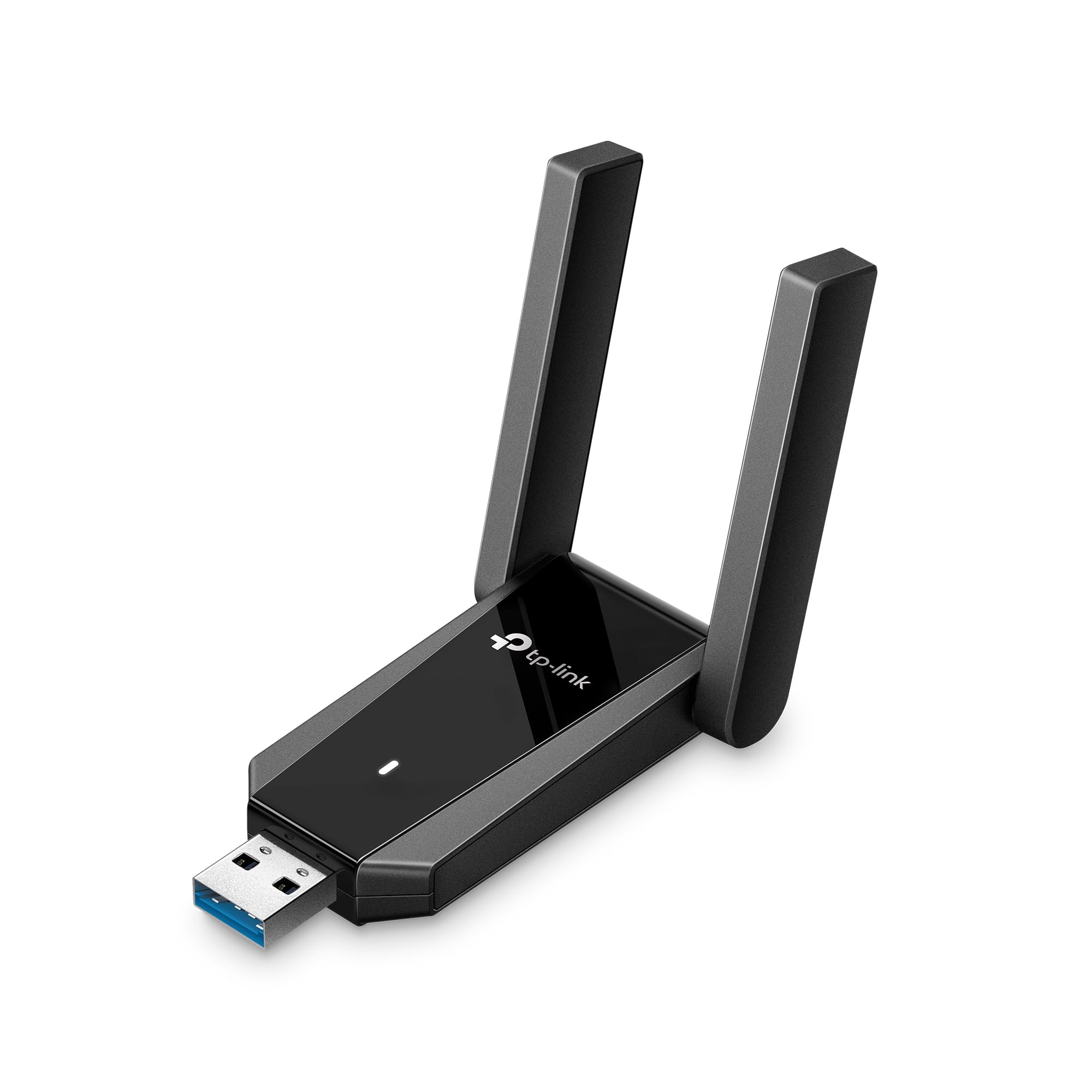
The right USB Wi-Fi adapter depends on the computer, router, and speed you need. The Budget model keeps basic access simple; higher ranges improve throughput and reception, but demand more compatible hardware and, in some cases, Windows.
The TP-Link TL-WN725N is our Budget choice because Amazon buyers most often praise the things that matter for straightforward wireless access: it works well once installed, is easy to set up, and barely protrudes from the USB port. One Amazon buyer describes stable browsing, streaming and regular use on an older computer. Other Amazon buyers report successful use with Linux, including Linux Mint. The compromise is clear. Amazon buyers are divided on speed, compatibility, connection stability and signal quality, so this is better suited to basic internet use than demanding workloads or gaming. One Amazon buyer specifically warns that an older V1 unit had Windows 11 driver problems and repeated disconnections; that is an isolated buyer report, but it is the compatibility check that matters before buying old stock.
We recommend the TP-Link Archer TX30U Plus when speed is the priority. Buyers describe fast, consistent Wi-Fi, and one verified purchaser reports download speeds reaching 400 MB from six metres away. Another says the adapter stopped repeated connection losses, while others found installation straightforward. A buyer also reports very high throughput after configuring the device to use Wi-Fi 6 only. That makes this a strong fit for a Windows PC or laptop that needs a faster wireless connection without adding an internal card.
The NETGEAR A8000 is our High-End choice because it combines an easy external upgrade with strong real-world Wi-Fi 6E performance. Trusted Reviews measured close to gigabit throughput in practice on six gigahertz with a compatible high-end mesh system, while Dong Knows Tech found good sub-Gigabit throughput and no excessive overheating under heavy use. The cradle matters: a buyer who found the adapter only barely adequate under a desk said moving it higher improved performance. The important limit is that the A8000 is not a universal answer: it needs a compatible Wi-Fi 6E router to justify its top-band capability, and a few buyers report unstable drivers, compatibility problems, or poor long-term reliability.
We recommend the TP-Link Archer TX50UH for a Windows 10 or 11 computer that needs a serious Wi-Fi upgrade. Buyers frequently praise its quality, speed, signal reception, and easy installation. The Vivid Repairs test says its USB 3.0 connection, external high-gain antennas, and Wi-Fi 6 features help remove reception bottlenecks, especially with a compatible Wi-Fi 6 router. It is not a solution when the router's signal cannot reach the room, and Linux and Mac users should look elsewhere because buyers report missing drivers and compatibility problems there.
Four ways to add Wi-Fi
For basic browsing on an older computer, the TP-Link TL-WN725N keeps the adapter small and the setup straightforward. Amazon buyers often say it works well for regular use, and some report successful Linux use. Speed, compatibility, and connection stability are less consistent than in the higher ranges, so it fits ordinary internet access rather than demanding workloads or gaming.
The TP-Link Archer TX30U Plus moves up to a faster Windows-focused option. Buyers describe fast, consistent Wi-Fi, and one verified purchaser reports 400 MB downloads from six metres away. It is a sensible step up for a Windows computer, especially with a Wi-Fi 6 router, although buyer feedback on compatibility is mixed and high download speed does not necessarily reduce latency.
The NETGEAR A8000-100PAS targets a larger upgrade. Trusted Reviews measured close to gigabit throughput on six gigahertz with a compatible high-end mesh system, while Dong Knows Tech found good sub-Gigabit throughput without excessive overheating under heavy use. Its Wi-Fi 6E capability only makes sense with the right router, a suitable USB port, and Windows. Some buyers report driver, compatibility, or long-term reliability problems.
The TP-Link Archer TX50UH is aimed at Windows 10 or 11 users who need stronger reception as well as higher throughput. Buyers frequently praise its speed, signal reception, and installation. Vivid Repairs found that its USB 3.0 connection, external high-gain antennas, and Wi-Fi 6 features help address reception bottlenecks with a compatible Wi-Fi 6 router. Linux and Mac users should choose another range: buyers report missing drivers and compatibility problems.
What changes as you move up
The main trade-offs between the ranges
Range
Best fit
What you gain
What to check
Budget
Older computer and basic internet use
Small size, easy setup, and suitable everyday access
Mixed reports on speed, compatibility, stability, and signal quality
Performance
Windows computer needing faster Wi-Fi
Fast, consistent speeds and a practical Wi-Fi 6 upgrade
System compatibility; speed may not improve latency
High-End
Windows computer on a Wi-Fi 6E network
Strong six-gigahertz throughput and an external upgrade
Compatible Wi-Fi 6E router, suitable USB port, Windows, and driver reliability
Luxury
Windows 10 or 11 computer needing reception and throughput
Stronger reception, high throughput, external antennas, and Wi-Fi 6 features
Windows-only fit; router compatibility and adapter placement matter
Choose by computer and router
Choose the Budget range when the goal is simply to add Wi-Fi to an older desktop or laptop and a tiny adapter matters more than speed. Choose Performance when a Windows computer needs faster wireless access without an internal card, particularly with a Wi-Fi 6 router.
The High-End range is for a fast USB port and a Wi-Fi 6E router that can use six gigahertz. Trusted Reviews and Dong Knows Tech both frame the A8000 around that compatible setup. The Luxury range is for Windows 10 or 11 users who also need better reception. Vivid Repairs recommends the TX50UH's extension cable when placement near a metal PC case could interfere with 2.4 GHz.